

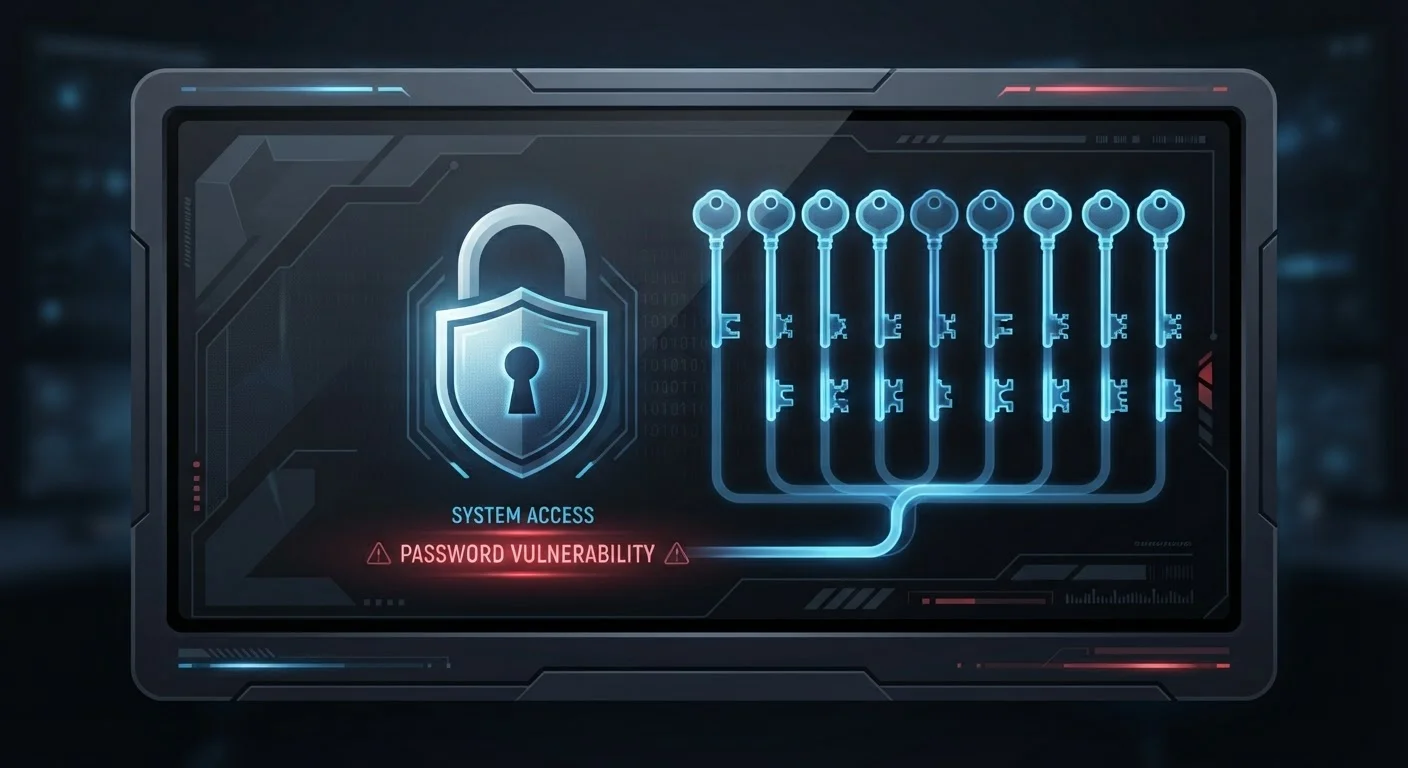
How Attackers Turn One Breach Into Many
When a website suffers a data breach, the stolen credentials don't disappear - they circulate. Attackers compile massive lists of leaked usernames and passwords, then run automated software that tries each combination against hundreds of popular sites simultaneously. This technique is called credential stuffing, and it works precisely because so many people reuse passwords.
The math is stark: if you use the same password on five accounts and one site gets breached, attackers don't need to do any additional work to access the other four. The door is already unlocked.
One Breach Can Unlock Everything
When a site you use suffers a data breach, attackers don't just gain access to that one account - they immediately test the stolen credentials against email providers, banks, and social media platforms. If you've reused that password, every matching account is at risk within hours. Treat any breach notification as urgent and change passwords across all affected services immediately.
This is why security professionals consistently identify password reuse as one of the most consequential - and most preventable - vulnerabilities in personal cybersecurity. It's not a theoretical risk. Data breach databases containing billions of credential pairs are freely available online, and automated attack tools are inexpensive and widely distributed.
Common Password Mistakes and How to Avoid Them
Understanding exactly where password habits go wrong is the first step toward fixing them. The mistakes below are widespread precisely because they feel reasonable - until an account gets compromised.
Using the same password across multiple accounts, even important ones like email and banking.
Why it happens: Humans have limited memory capacity, and the average person now manages dozens of online accounts. Reusing a familiar password feels like a practical solution to an overwhelming problem.
Making minor variations on a single password - like adding "1" or "!" at the end - and treating them as genuinely different passwords.
Why it happens: Predictable patterns feel like a clever workaround. Attackers know this and use rule-based tools that automatically test common variations of leaked passwords.
Ignoring breach notification emails or dismissing them as spam without taking action.
Why it happens: Security alerts can feel alarmist, and readers often assume that if nothing has gone wrong yet, nothing will. Attackers frequently sit on stolen credentials for months before exploiting them.
Relying solely on a unique password without enabling two-factor authentication on critical accounts.
Why it happens: Many users assume that a strong, unique password is sufficient protection and view 2FA as an extra inconvenience that isn't necessary.
Using easily guessable personal information - birthdays, pet names, addresses - as the basis for passwords.
Why it happens: Personal details are memorable, and many people underestimate how much of this information is publicly available through social media or previous data exposures.
80%
Of breaches involving stolen credentials
Verizon's Data Breach Investigations Report has consistently found that the majority of hacking-related breaches involve compromised or reused credentials.
100+
Average online accounts per user
Research from NordPass and similar security firms estimates the average internet user manages well over 100 password-protected accounts, making reuse highly tempting.
Billions
Credentials in circulation on dark web
Security researchers have documented billions of username and password combinations available for purchase or free download on dark web marketplaces, fueling automated credential stuffing attacks.
Building a Password Strategy That Actually Works
The goal isn't to memorize dozens of complex passwords - that's neither realistic nor necessary. A practical, durable approach rests on three pillars.
Use a Password Manager
A password manager stores unique, randomly generated credentials for every account in an encrypted vault. You authenticate once with a strong master password, and the manager fills in the rest automatically. This removes the memory burden entirely. For a balanced look at how these tools work and where risks remain, see our guide on password managers.
Enable Two-Factor Authentication Everywhere
A unique password and two-factor authentication together mean that compromising your account requires both something you know and something you have. Most major platforms support 2FA via authenticator apps, which are more secure than SMS-based codes.
Audit Your Existing Accounts
Start by identifying which accounts share passwords and update them to unique credentials, prioritizing email, banking, and anything tied to payment information. A personal privacy audit can help you systematically close these gaps. Also check haveibeenpwned.com to see whether your email address has appeared in any known breaches.
"Strong" Passwords Still Fail When Reused
A complex, lengthy password offers no protection against credential stuffing if it's used on multiple sites. Attackers don't need to crack the password - they already have it from a previous breach. Uniqueness matters as much as complexity. Every account you care about deserves its own distinct credential.
Password security doesn't exist in isolation. Weak points elsewhere in your digital setup - like an unsecured home network - can undermine even good password habits. Reviewing home network security practices is a natural next step once your credentials are in order. Many of the assumptions people hold about staying safe online - including that complex passwords alone are sufficient - are addressed in our piece on common internet privacy myths.
The content on this site is provided for informational purposes only and should not be considered a substitute for professional advice. While we strive to provide accurate and up-to-date information, we make no guarantees regarding its completeness or accuracy. Always consult a qualified professional for advice specific to your circumstances before making any decisions.