

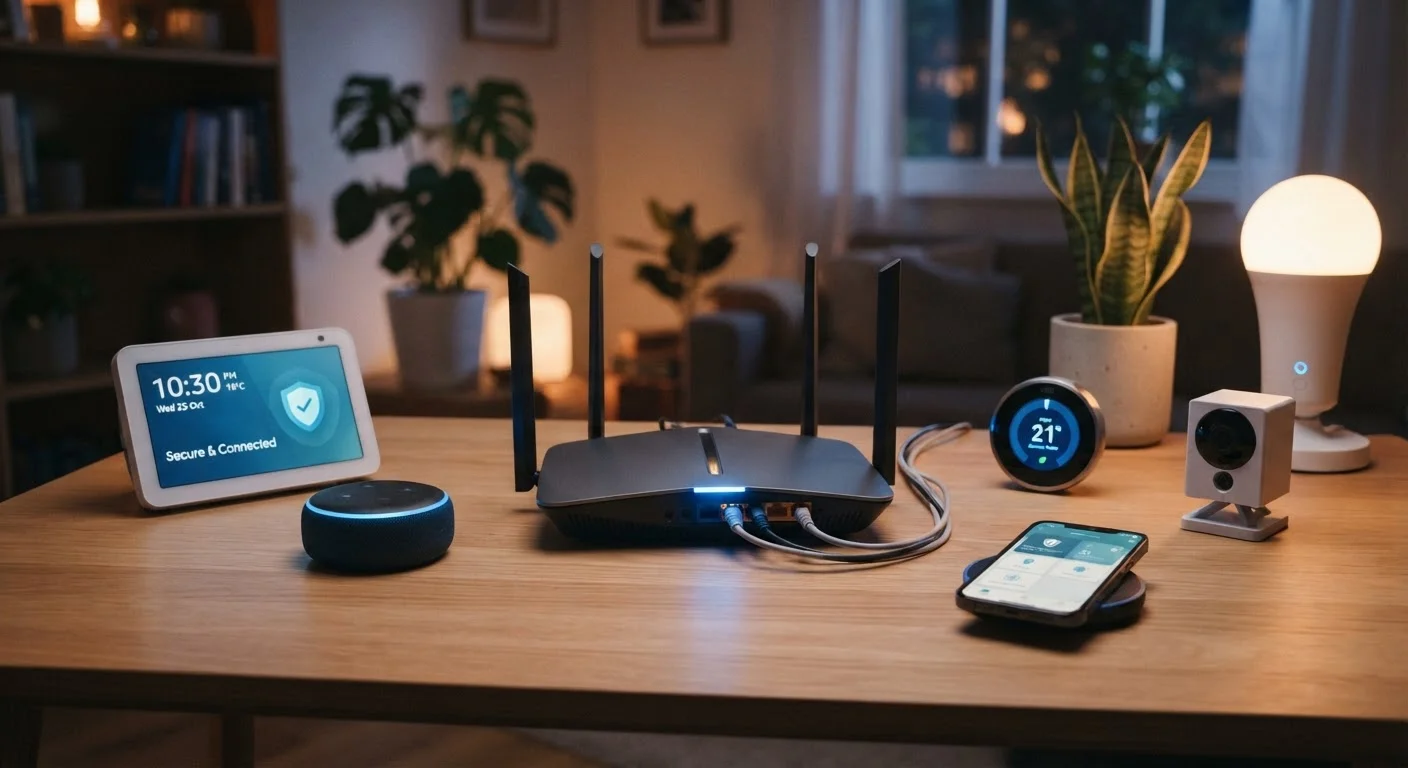
Why Your Home Network Is Worth Protecting
Every device in your home - phones, laptops, thermostats, security cameras, smart TVs - connects through your router. That single device is the gateway to all of them. If an attacker gains access to your network, they can intercept traffic, access shared files, or use compromised devices as launching pads for further attacks.
Most home networks are vulnerable not because of sophisticated hacking, but because of overlooked defaults. The good news: the practices that close the most significant gaps are straightforward and don't require technical expertise. For a broader look at the online threats affecting everyday users, see our comprehensive guide to internet privacy.
Core Practices That Make the Biggest Difference
The following practices address the vulnerabilities that security researchers consistently identify as the most common entry points into home networks.
Change the default admin username and password on your router immediately.
Router manufacturers ship devices with identical default credentials that are publicly documented. Attackers scan for routers using these defaults as a routine first step. Changing them to a long, unique passphrase is the single most effective thing you can do.
Enable WPA3 encryption on your Wi-Fi network, or WPA2 if WPA3 is unavailable.
Encryption determines how data traveling over your network is scrambled. Older standards like WEP and WPA can be cracked with freely available tools. WPA2 is the current minimum acceptable standard; WPA3 provides significantly stronger protections.
Create a separate guest network for smart home devices and IoT gadgets.
Smart TVs, security cameras, and connected appliances often have weaker security than computers and phones. Isolating them on a separate network means a compromised device can't directly reach your primary computers or sensitive data.
Keep your router's firmware updated.
Firmware updates patch security vulnerabilities that manufacturers discover after a router ships. Attackers actively target known, unpatched flaws. Many routers now offer automatic updates - enabling this feature removes the need to remember to check manually.
Disable remote management and any features you don't actively use.
Remote management allows router settings to be accessed from the internet - a useful feature for IT professionals, but an unnecessary exposure for most households. Every open feature or port that you don't need is a potential entry point.
It's also worth understanding that home network security and public network security are related but distinct concerns. Our article on what's actually at risk on public Wi-Fi covers the trade-offs of connecting outside your home.
Quick Actions You Can Take Today
You don't need to overhaul your entire network at once. Start with these high-impact steps and build from there.
Password hygiene matters throughout your digital life, not just on your router. If you're in the habit of reusing passwords, our article on why password reuse is so dangerous explains how attackers exploit that habit and what to do instead.
Many people also hold mistaken beliefs about what does and doesn't protect them online. Check out common internet privacy myths to make sure your assumptions are grounded in reality.
The content on this site is provided for informational purposes only and should not be considered a substitute for professional advice. While we strive to provide accurate and up-to-date information, we make no guarantees regarding its completeness or accuracy. Always consult a qualified professional for advice specific to your circumstances before making any decisions.