

Our Verdict
Cross-device syncing is genuinely useful and, for most people, worth enabling - but it works best when you're intentional about it. Accepting sync by default without reviewing permissions and account security means accepting risks you may not have considered. Taking 15 minutes to audit what syncs, where it goes, and who can access it transforms a passive feature into one you actually control.
Ideal for anyone who regularly switches between a phone, tablet, or computer and wants continuity - provided they use strong account credentials and periodically review their sync settings.
What Cross-Device Syncing Actually Does
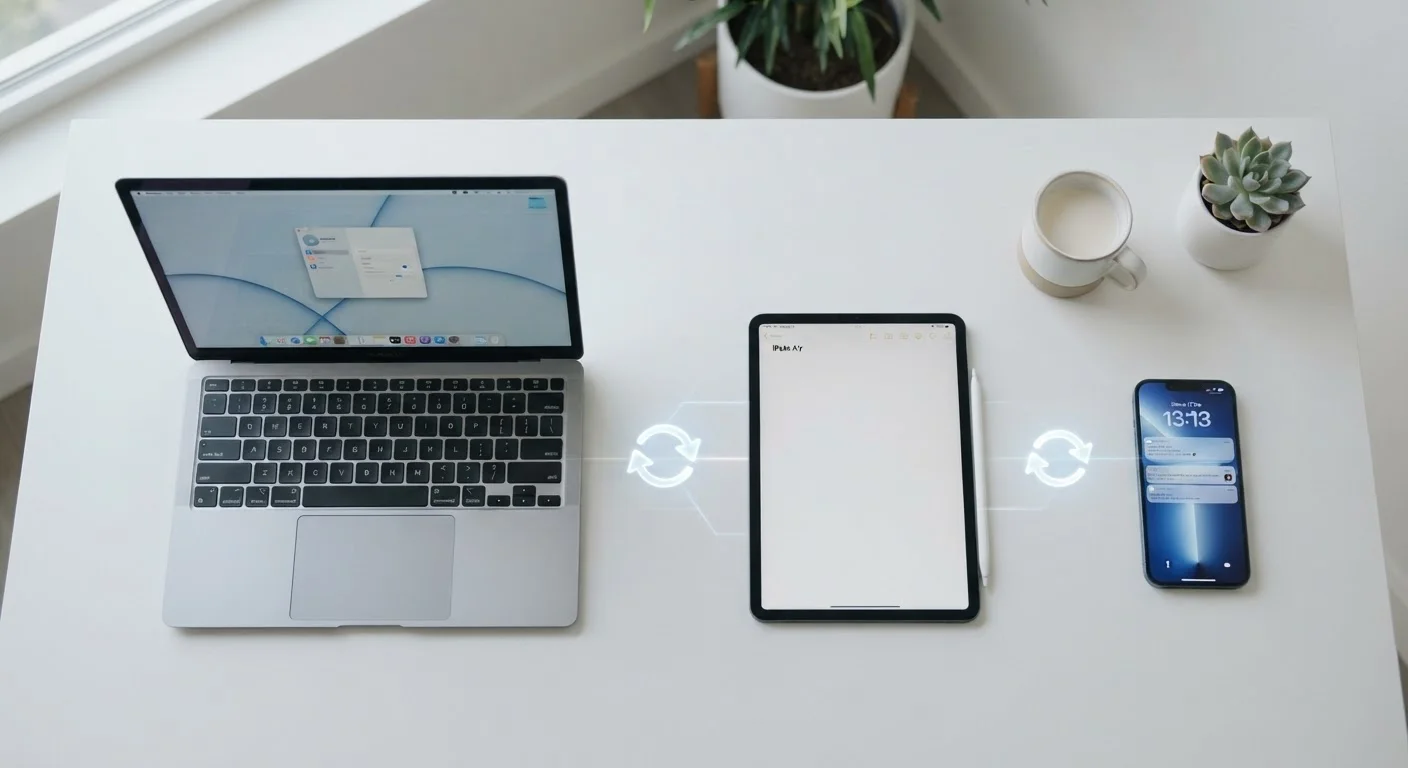
When an app syncs across devices, it uploads your data - settings, files, history, preferences - to a cloud server, then downloads that data to every other device signed into the same account. The result is continuity: start a task on your phone, finish it on your laptop without missing a beat.
This sounds simple, but the mechanics matter. Your data lives on servers managed by the app's developer or a third-party cloud provider. The sync happens automatically in the background, often continuously, and touches more than you might expect - browsing history, open tabs, saved passwords, documents, contacts, app preferences, and even clipboard contents depending on the app and platform.
Understanding that syncing is fundamentally a data-sharing and storage arrangement - not just a convenience feature - frames the trade-offs clearly. For a broader look at how app formats affect where your data lives, see our comparison of browser-based and desktop apps.
Seamless continuity across phone, tablet, and computer
Syncing eliminates the friction of manually transferring files or re-entering preferences when you switch devices. Documents, settings, and progress are available wherever you sign in.
Automatic backup reduces risk of data loss
When data syncs to the cloud, losing or breaking a device doesn't mean losing your work. Your content is recoverable as long as your account remains accessible.
Easier setup when switching to a new device
Signing into an account on a new phone or laptop can restore apps, settings, and saved data in minutes rather than hours. This makes setting up a new phone significantly less disruptive.
Collaboration becomes more practical
Synced documents and shared drives let multiple people access the same up-to-date version of a file, reducing version confusion and email-based file sharing.
App preferences carry over automatically
Notification settings, display preferences, and saved logins don't need to be reconfigured on every device - reducing repetitive setup work.
The Real Costs of Always-On Sync
The convenience of syncing comes with trade-offs that accumulate quietly. Privacy is the most significant. Every piece of data that syncs is data stored on an external server - subject to the developer's privacy policy, data retention practices, and potentially government or legal requests. Reviewing what your apps have access to is a useful habit, not just a technical exercise.
Security exposure also multiplies. If someone gains access to your account credentials - through a phishing attack or a data breach - every device linked to that account is potentially compromised at once. Synced passwords, notes, and files don't stay on your phone; they follow that breach to every connected device.
Battery and bandwidth are quieter costs. Continuous background syncing draws power and consumes mobile data, which adds up on older hardware or limited data plans. And cloud storage quotas fill faster than most people anticipate when syncing is enabled across multiple apps. Reviewing what each app can access is a practical first step in understanding your exposure.
Personal data is stored on external servers
Cloud syncing means your notes, photos, contacts, and browsing history may reside on servers outside your direct control, subject to third-party privacy policies and data retention rules.
One compromised account exposes all linked devices
A single stolen password can give an attacker access to synced data across every device connected to that account - phone, tablet, and computer simultaneously.
Background sync drains battery and mobile data
Continuous syncing keeps radios and processors active, which shortens battery life and consumes data allowance - a meaningful cost on older devices or limited mobile plans.
Cloud storage quotas fill faster than expected
Syncing photos, documents, and app data from multiple devices quickly consumes free storage tiers, often prompting paid upgrades users weren't anticipating.
Deleted data can propagate across all devices instantly
Accidentally deleting a file or setting on one device can remove it everywhere syncing is active, sometimes before you realise the mistake - and recovery isn't always possible.
Forgotten signed-in devices remain active data recipients
Old phones, shared tablets, or borrowed computers left signed in continue receiving synced data passively, creating a privacy exposure most users don't think to address.
What You Can - and Should - Control
Most platforms give you granular control over what syncs. On both iOS and Android, individual app sync permissions can be toggled in system settings. Many apps also have their own internal sync preferences, letting you choose which data types - documents but not browser history, for instance - are shared across devices.
Sync Doesn't Have to Be All or Nothing
Most apps and operating systems allow selective sync - you can enable document syncing while disabling browser history, or sync contacts but not photos. Taking a few minutes to explore sync settings in your operating system's account preferences often reveals more control than users expect. Selective sync is a practical middle ground between full convenience and maximum data minimisation.
Account security is the most important lever. Enabling two-factor authentication (2FA) on any account linked to synced devices dramatically reduces the risk that a stolen password alone can expose your data. This applies to your Apple ID, Google account, Microsoft account, and any third-party app that syncs cloud data.
It's also worth thinking about devices you no longer actively use. Signed-in devices that still have sync enabled can receive data passively without you realising it. Before passing along an old phone or tablet, sign out of all accounts and remove the device from your sync list. Similarly, keeping apps and operating systems updated ensures that the sync mechanisms themselves aren't carrying unpatched security vulnerabilities.
For users managing a large number of apps, reducing app clutter also reduces the number of services you're syncing with - a smaller surface area with fewer trade-offs.
80%+
Adults using multiple connected devices
Pew Research Center data consistently shows the majority of American adults use a smartphone alongside at least one other internet-connected device.
~15 GB
Typical free cloud storage offered per account
Most major platforms offer around 15 GB of free cloud storage - an amount that fills quickly when photos and documents sync from multiple devices.
2×
Risk multiplier from reused passwords on synced accounts
Security researchers note that credential stuffing attacks are more damaging when the breached account is also a sync account, as exposure extends to all linked devices and data.
The content on this site is provided for informational purposes only and should not be considered a substitute for professional advice. While we strive to provide accurate and up-to-date information, we make no guarantees regarding its completeness or accuracy. Always consult a qualified professional for advice specific to your circumstances before making any decisions.