

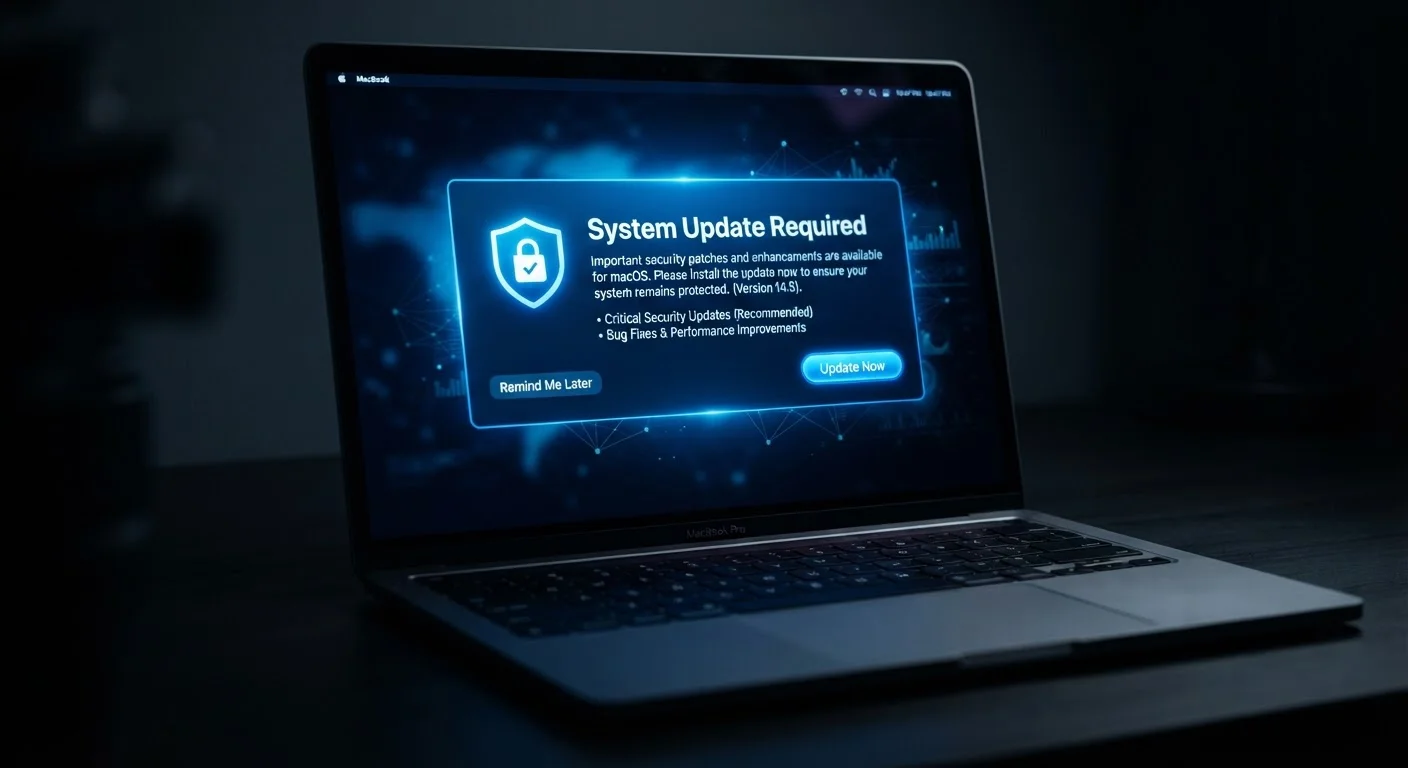
What's Actually Inside a Software Update
When an update notification appears, most people assume it's about new features - a redesigned menu, a fresh icon set, or a capability they didn't ask for. That assumption is understandable but often wrong. The majority of routine updates - especially for operating systems and widely used apps - center on security patches: fixes for vulnerabilities that were either discovered internally or, in many cases, already being exploited in the wild.
Software vulnerabilities work like unlocked doors. Once a flaw is publicly disclosed (and sometimes before), attackers actively scan for devices still running the vulnerable version. The window between a patch being released and an attacker using the original flaw against unpatched systems can be very short - sometimes days. Updates also address bugs that cause crashes, fix performance regressions, and maintain compatibility with other software and services. Think of it less like renovating a house and more like patching a roof before the storm season starts - most of the work is preventive, invisible, and essential. For a broader view of how software choices affect your daily workflow, see our guide to browser-based vs. desktop apps.
Common Mistakes People Make With Software Updates
Understanding what updates do is only half the battle. The other half is recognizing the habits - often formed out of convenience - that undermine your device's security and reliability.
Treating every update prompt as optional and dismissing it without reading what it addresses.
Why it happens: Update notifications appear at inconvenient moments and rarely explain their contents in plain language, so they feel interruptive rather than urgent.
Updating the operating system but ignoring individual app updates - or vice versa.
Why it happens: People often conflate OS updates with comprehensive system maintenance, not realizing that apps maintain their own separate update cycles and vulnerability surfaces.
Assuming older, familiar software versions are more stable and therefore safer to keep.
Why it happens: A version that "works fine" feels lower risk than an unknown update that might change something. This stability bias is intuitive but backwards when it comes to security.
Skipping updates on secondary or less-used devices, such as a spare tablet or an old laptop kept for a specific task.
Why it happens: Devices that aren't used daily feel lower priority. Out of sight, out of mind - and often, out of date.
Delaying updates because of concerns about losing settings, data, or app functionality.
Why it happens: Past experiences with updates that reset preferences or caused app conflicts make caution feel reasonable. The fear is understandable, even if rarely warranted.
"I'll Do It Later" Is the Most Dangerous Setting
Repeatedly postponing an update doesn't buy you safety - it buys an attacker time. Most operating systems allow you to defer updates, but that feature exists for short-term scheduling flexibility, not as a long-term strategy. If you consistently dismiss update prompts, check your system settings to confirm whether automatic updates are actually enabled; devices sometimes ship with them turned off by default.
The Compounding Problem of Falling Behind
Skipping one update rarely causes an immediate, visible crisis. That's precisely why the habit is so persistent. But software ecosystems are interdependent: your browser relies on your operating system's security libraries; your apps rely on APIs that evolve with each OS release. When you fall multiple versions behind, compatibility starts to break down in ways that aren't always obvious - a web form that stops submitting correctly, a sync feature that silently fails, an app that crashes only under specific conditions.
60%+
Breaches linked to unpatched vulnerabilities
Security industry analyses have consistently found that a majority of successful cyberattacks exploit known vulnerabilities for which patches were already available.
~15 days
Average time attackers exploit a new vulnerability
Research from cybersecurity firms has found that attackers begin exploiting newly disclosed vulnerabilities within days to two weeks of public disclosure, underscoring why prompt patching matters.
Security consequences compound too. Each skipped update is another unpatched vulnerability layered on top of the last. Attackers don't need to find a new flaw - they can chain together older, known ones. This is similar to the way deferred car maintenance turns small problems into expensive failures over time; our article on scheduled maintenance vs. fixing things as they break explores exactly that pattern. Restoring an out-of-date system to a secure state also takes considerably more effort than staying current - you may need to apply a sequence of updates, restart multiple times, and troubleshoot compatibility conflicts along the way.
Building a Smarter Update Habit
The most reliable fix is also the simplest: turn on automatic updates for both your operating system and your apps. On most platforms - Windows, macOS, iOS, Android - this setting is available in system preferences or app store settings. Automatic updates ensure patches are applied in the background, usually overnight, without requiring any action on your part.
If you prefer more control - for instance, if you manage a device used for professional work where untested updates could disrupt a critical workflow - consider a middle-ground approach: enable notifications for updates but schedule a weekly time to review and apply them deliberately. Never let that window stretch beyond two weeks for security patches. It's also worth understanding that not all software updates are equal. Open-source projects, for example, have publicly visible changelogs and community-reviewed code, which can help you understand exactly what a given update contains. Our explainer on open-source software covers why that transparency matters for everyday users. Finally, keep in mind that app updates and OS updates are separate responsibilities - syncing your apps across devices doesn't guarantee they're updated. Check both independently. For more on the security and privacy dimensions of app syncing, see the trade-offs of letting apps sync across all your devices.
The content on this site is provided for informational purposes only and should not be considered a substitute for professional advice. While we strive to provide accurate and up-to-date information, we make no guarantees regarding its completeness or accuracy. Always consult a qualified professional for advice specific to your circumstances before making any decisions.