

What Phishing Actually Is - and Why It Works
Phishing is a form of social engineering in which an attacker impersonates a trusted entity - a bank, government agency, retailer, or even a coworker - to trick you into handing over credentials, financial information, or access to your accounts. The term comes from the idea of "fishing" for victims using deceptive bait.
What makes phishing effective isn't technical sophistication - it's psychological. These messages exploit urgency, fear, authority, and familiarity. A well-crafted phishing email doesn't need to hack your computer; it just needs to convince you to act before you think.
Modern phishing has grown considerably more convincing. Attackers use publicly available data - your name, employer, recent purchases, even your profile photo - to craft messages that feel personal. This targeted variant is called spear phishing. For a broader look at digital threats and how to build layered defenses, see our comprehensive internet privacy resource.
Eight Tells That Reveal a Phishing Email
No single red flag guarantees an email is malicious, but a pattern of the following signals is a strong indicator to stop, verify, and not click.
Phishing
A cyberattack in which an attacker impersonates a trustworthy entity via email (or other channels) to deceive recipients into revealing sensitive information or clicking malicious links.
Spear phishing
A targeted phishing attack tailored to a specific individual using personal details such as their name, employer, or recent activity to appear credible.
Domain spoofing
The practice of using a sender address or website URL that closely mimics a legitimate domain - for example, substituting a numeral for a letter - to deceive recipients.
SPF / DKIM / DMARC
Email authentication protocols that allow receiving mail servers to verify whether a message was legitimately sent by the domain it claims to represent. Failure can indicate a spoofed sender.
Social engineering
Manipulation tactics that exploit human psychology - such as fear, urgency, or trust - rather than technical vulnerabilities, to gain access to information or systems.
Malware
Malicious software designed to damage, disrupt, or gain unauthorized access to a computer system. Phishing emails often use attachments or links as delivery mechanisms.
1. The Sender Address Doesn't Match the Display Name
Email clients often show a friendly display name like "PayPal Support" while the actual sending address is something like noreply@paypa1-secure.com. Always expand or hover over the sender field to see the full address. Legitimate institutions send from their own authenticated domains.
2. Urgency or Threat Language
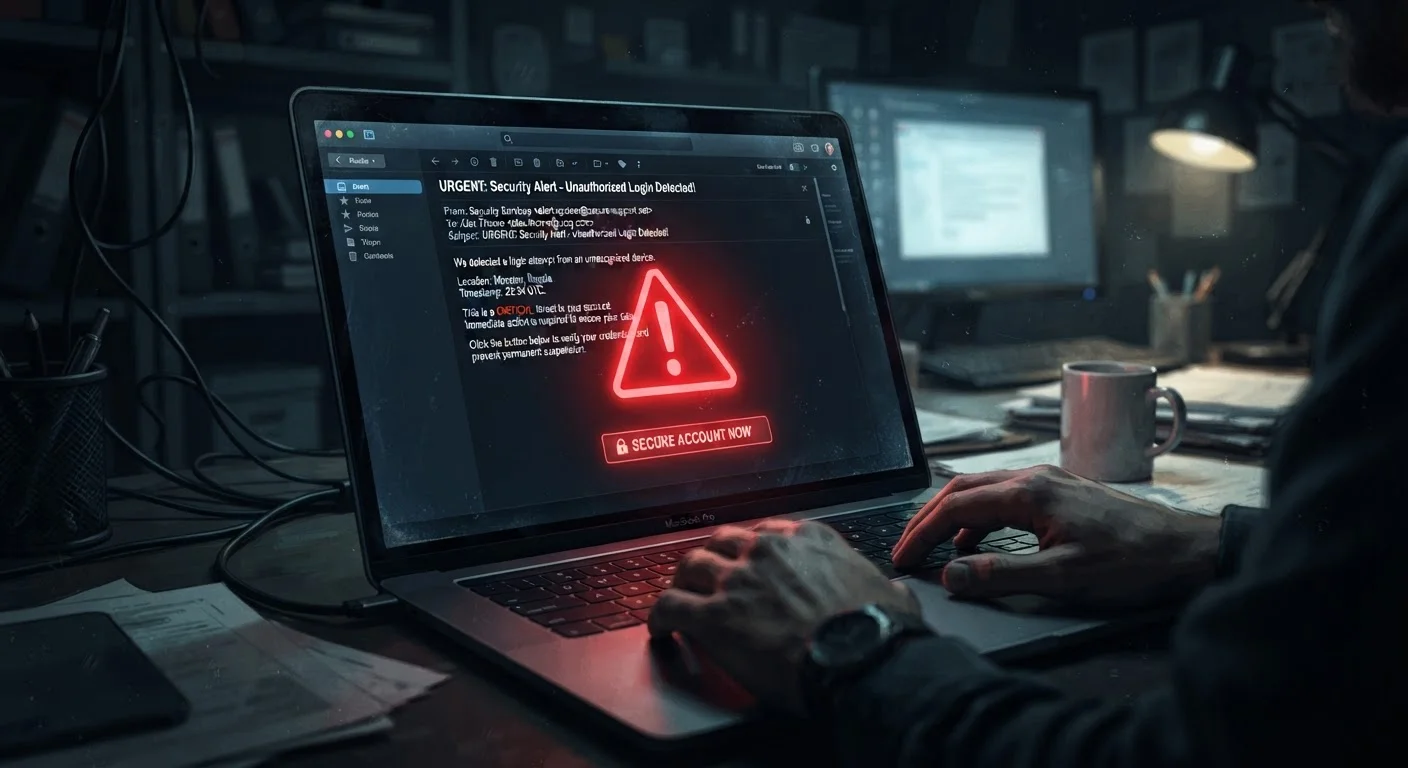
Messages that demand you act within 24 hours, warn that your account will be suspended, or claim unauthorized access has been detected are designed to short-circuit careful thinking. Real companies rarely threaten immediate consequences in a single email without prior communication.
3. Generic or Mismatched Greetings
"Dear Customer" or "Dear Account Holder" instead of your actual name suggests a mass-send. However, spear phishing attacks do use your name - so a personalized greeting alone doesn't prove legitimacy.
4. Suspicious or Mismatched Links
Before clicking any link, hover over it (on desktop) to preview the destination URL in your browser's status bar. Watch for domains that misspell a known brand, add hyphens, or use unusual country-code extensions. A link labeled "Verify your account" that points to a random IP address or obscure domain is a clear warning sign.
5. Requests for Sensitive Information
No legitimate bank, government agency, or online service will ask you to confirm your password, Social Security number, or full credit card number via email. If an email is prompting you to "confirm" account details, treat it as suspicious.
6. Unexpected Attachments
Attachments in unsolicited emails - especially .exe, .zip, .doc, or .pdf files - can contain malware. If you weren't expecting a document, verify with the sender through a separate, known-good contact method before opening anything.
7. Poor Grammar and Inconsistent Formatting
Misspellings, awkward phrasing, and mismatched logos or fonts can signal a fraudulent message. That said, many modern phishing kits are polished - the absence of errors does not confirm legitimacy.
8. The "From" Domain Fails Authentication Checks
Email authentication standards - SPF, DKIM, and DMARC - help mail servers verify that a message genuinely came from who it claims. Most email clients don't surface these checks visibly, but some show a "sent via" note or a warning banner when authentication fails. A failed check is a strong technical red flag.
What to Do If You Suspect a Phishing Email
If something feels off, trust that instinct. Here's how to respond without putting yourself at risk.
- Don't click links or download attachments in the email.
- Go directly to the source. If the email claims to be from your bank or a service you use, open a new browser tab and navigate to the site manually - don't use any link or contact info from the suspicious message.
- Report it. Most email providers have a "Report Phishing" or "Mark as Spam" option. You can also forward phishing emails to the Anti-Phishing Working Group at
reportphishing@apwg.org, or to the FTC atreportfraud.ftc.gov. - If you did click: change your password immediately on the affected account, enable two-factor authentication, and monitor for unusual activity. Two-factor authentication dramatically reduces the impact of a compromised password.
Already Clicked a Suspicious Link?
Act quickly but methodically. Change the password for any account mentioned in the email, using a device you trust. Enable two-factor authentication on that account if you haven't already. Run a malware scan on your device if you downloaded an attachment. Contact your bank directly if any financial information may have been exposed.
Building awareness of phishing is one piece of a larger puzzle. The Everyday American's Starter Guide to Staying Safe Online covers the broader habits - password hygiene, safe browsing, and more - that reinforce your defenses.
The content on this site is provided for informational purposes only and should not be considered a substitute for professional advice. While we strive to provide accurate and up-to-date information, we make no guarantees regarding its completeness or accuracy. Always consult a qualified professional for advice specific to your circumstances before making any decisions.