

What Resolution Actually Measures
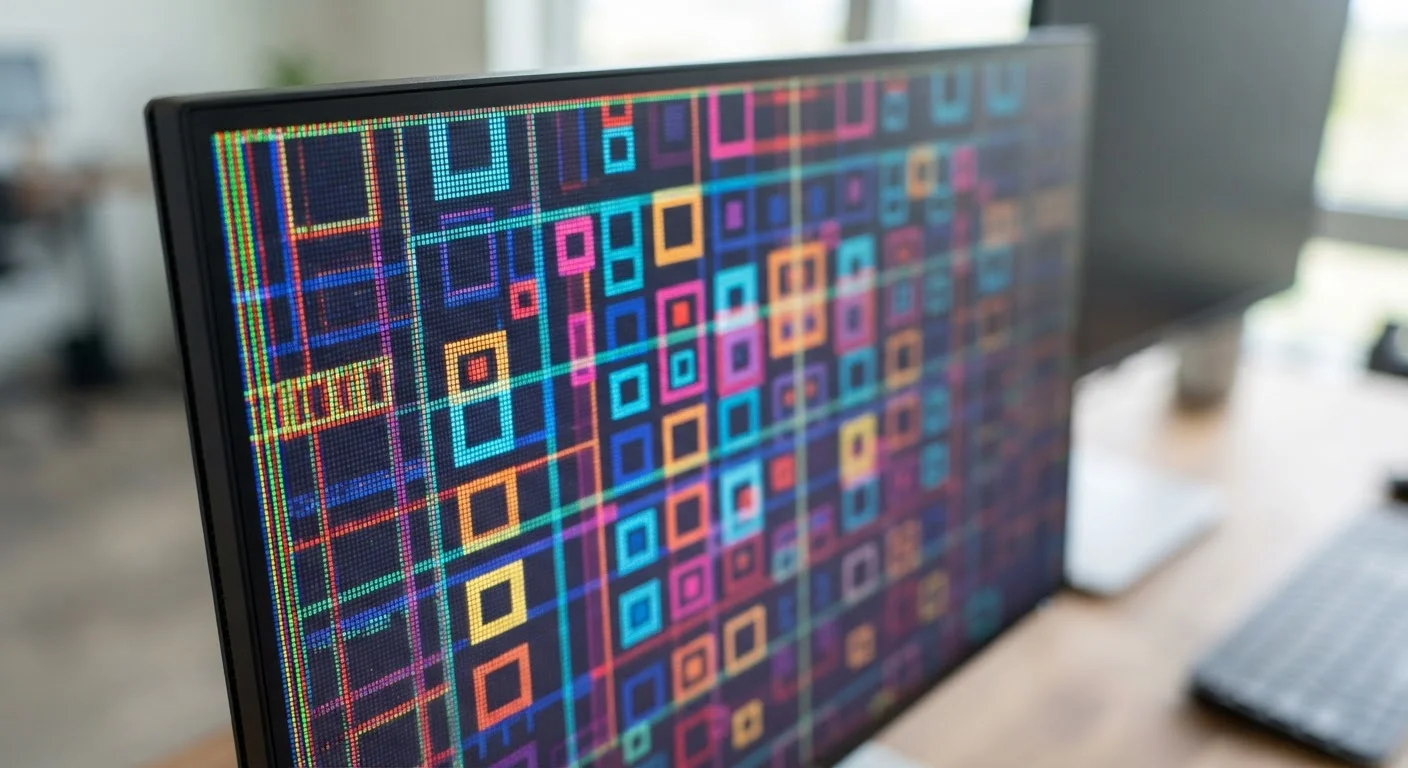
When a screen is described as "1920×1080," those two numbers tell you exactly how many pixels the display contains - 1,920 columns across and 1,080 rows from top to bottom. Multiply them together and you get roughly 2 million individual dots of light, each capable of displaying a distinct color. More pixels generally means a sharper, more detailed image.
The shorthand labels you see in ads - 1080p, 4K, QHD - are just compressed ways of expressing those same pixel grids. The "p" in 1080p stands for progressive scan, a technical term for how the image is drawn on screen. It's not a quality rating on its own; it's a scanning method. Almost every modern display uses progressive scan, so the "p" is largely a legacy label.
| HD resolution | 1280 × 720 pixels |
| Full HD (1080p) resolution | 1920 × 1080 pixels |
| QHD resolution | 2560 × 1440 pixels |
| 4K / UHD resolution | 3840 × 2160 pixels (~8.3 million pixels) |
| 8K resolution | 7680 × 4320 pixels |
| Common sharpness threshold | ~300 PPI at arm's length |
Understanding resolution is one part of reading display specs correctly. As with any product specification, knowing which numbers actually affect your experience - and which are mostly marketing - helps you make smarter decisions. See our guide to what product specifications actually mean for a broader look at this skill.
The Common Resolution Standards, Defined
Here's a plain-English breakdown of the resolution labels you're most likely to encounter:
- HD (1280×720): Often called 720p. Still found on smaller TVs, budget streaming sticks, and older devices. Noticeably less sharp than higher-resolution screens, especially on displays larger than 32 inches.
- Full HD / 1080p (1920×1080): The current baseline for televisions, laptops, and monitors. Delivers a clean, detailed image on screens up to about 55 inches for most viewing distances.
- QHD / 2K (2560×1440): Quad HD packs four times the pixels of 720p. Common on higher-end computer monitors and some smartphones. Noticeably sharper than 1080p at close viewing distances, like a desk setup.
- 4K / UHD (3840×2160): Ultra High Definition is now the dominant standard for large TVs and premium monitors. Contains roughly 8.3 million pixels - four times the pixel count of 1080p.
- 8K (7680×4320): Exists primarily as a leading-edge TV specification. At typical living room viewing distances, the visual difference over 4K is difficult for most people to perceive without very large screen sizes.
Resolution
The total number of pixels a display can show, expressed as width × height (e.g., 1920×1080). Higher resolution means more pixel detail is available to render an image.
Pixel
The smallest unit of a digital image on a screen. Each pixel can display a specific color, and millions of them together form the picture you see.
PPI (Pixels Per Inch)
A measure of pixel density - how many pixels are packed into each inch of the screen. Higher PPI generally produces a sharper, crisper image at a given viewing distance.
4K / UHD
A resolution standard of 3840×2160 pixels, containing roughly 8.3 million pixels total. UHD stands for Ultra High Definition and is now common in consumer televisions and monitors.
Progressive Scan (p)
A method of drawing a video image where all lines are rendered in sequence each frame, as opposed to interlaced scanning. The 'p' in 1080p refers to this technique.
QHD (Quad HD)
A resolution of 2560×1440 pixels - four times the pixel count of 720p HD. Common on desktop monitors and higher-end mobile devices.
Resolution interacts closely with screen size. A 4K image on a 27-inch monitor looks razor-sharp because the pixels are densely packed. That same 4K resolution spread across a 75-inch TV at normal viewing distance may look comparable to 1080p - distance effectively reduces the visible difference.
Pixel Density: The Number Screens Often Don't Advertise
Pixel density - measured in pixels per inch, or PPI - is often more meaningful than raw resolution alone. PPI tells you how tightly the pixels are packed into a given screen area. A smartphone with a 6-inch 1080p display has far more PPI than a 55-inch TV at the same resolution, which is why phone screens can look incredibly sharp while that TV may show visible pixelation up close.
A widely cited perceptual threshold is around 300 PPI, beyond which the human eye at typical viewing distances has difficulty distinguishing individual pixels. Many smartphone manufacturers use this benchmark to market displays as "retina-class" - though the meaningful PPI threshold varies depending on how far the screen is from your eyes.
Viewing Distance Changes Everything
Resolution differences that appear dramatic in a store showroom can become nearly imperceptible at real-world viewing distances. A common guideline suggests sitting roughly 1.5 to 2.5 times the screen's diagonal measurement away for comfortable TV viewing - at those distances, the gap between 4K and 1080p may be subtle on screens under 55 inches. Consider your room layout alongside the spec sheet before drawing conclusions.
When comparing monitors or TVs, calculating PPI from the resolution and screen size diagonal gives you a more honest picture of sharpness than resolution alone. Online PPI calculators can do this arithmetic instantly if you have both numbers handy.
The content on this site is provided for informational purposes only and should not be considered a substitute for professional advice. While we strive to provide accurate and up-to-date information, we make no guarantees regarding its completeness or accuracy. Always consult a qualified professional for advice specific to your circumstances before making any decisions.