

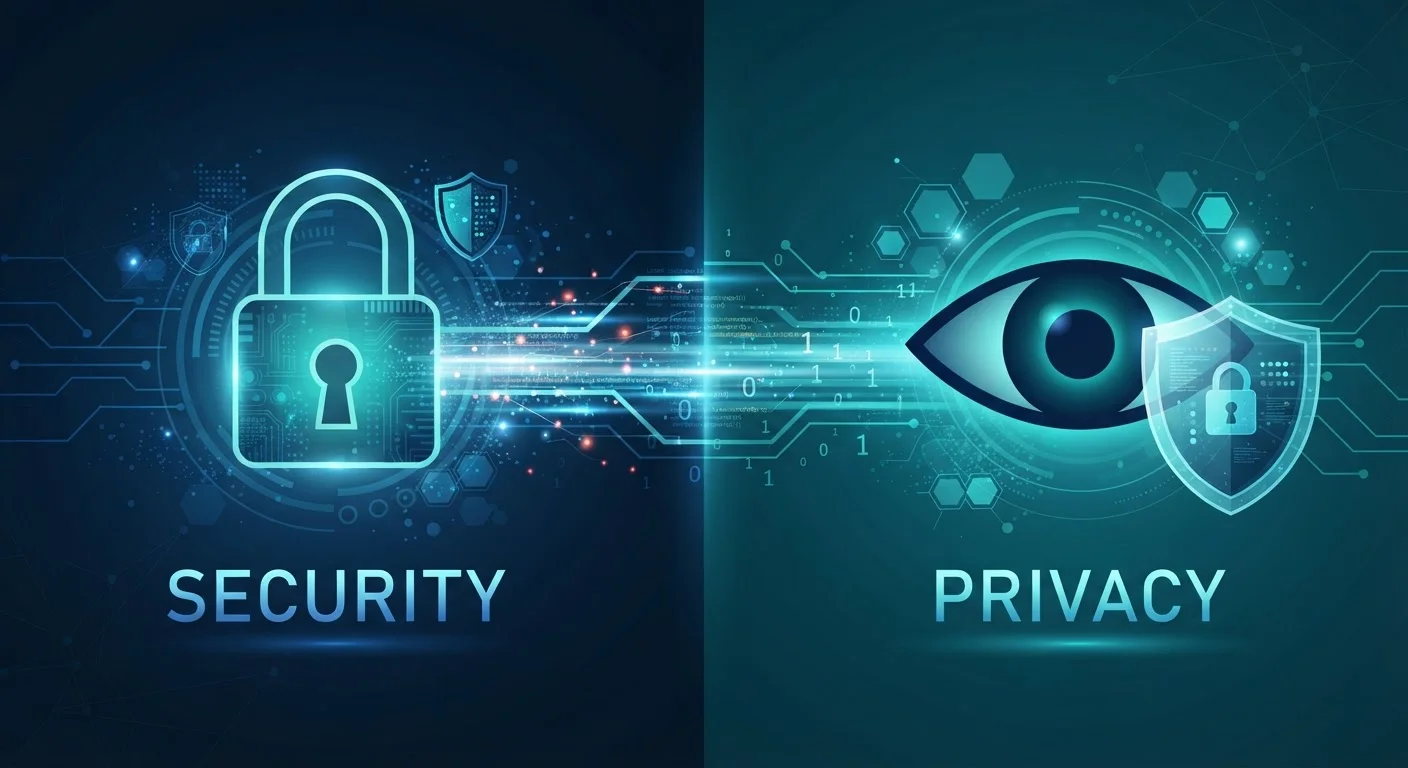
Option A
Online Privacy
Control over who sees and uses your personal information.
Best for: People who want to limit data collection, tracking, and how organizations use their personal information.
Option B
Online Security
Protection against unauthorized access and malicious attacks.
Best for: People who want to prevent hackers, malware, and cybercriminals from accessing their accounts and devices.
The Core Distinction: What Each Term Actually Means
The words privacy and security are often used interchangeably in conversations about the internet, but they describe two fundamentally different problems. Conflating them can leave you with real blind spots.
Online privacy is about informational control - specifically, your ability to determine what personal data is collected about you, by whom, and how it is used or shared. A website that legally harvests your browsing habits and sells them to data brokers is not violating your security. It may, however, be a significant privacy concern.
Online security is about access control - protecting your systems, accounts, and data from unauthorized parties who have no right to access them at all. A hacker who steals your banking credentials is a security threat. The bank itself storing and sharing your transaction data with third parties is a privacy issue.
The clearest way to see the difference: a perfectly secured account can still be a privacy problem if the service holding it collects more data than necessary. And a service with strong privacy policies can still be compromised if it has weak security practices. For a deeper foundation, see how online privacy works end to end.
| Criterion | Online Privacy | Online Security |
|---|---|---|
| Core question | Who has access to my data? | Who can access my systems? |
| Primary threat | Data collection, tracking, profiling | Hacking, malware, unauthorized access |
| Key tools | Permission controls, data minimization | Passwords, MFA, encryption |
| Common actor | Companies, advertisers, data brokers | Cybercriminals, hackers |
| Often legal? | Many violations are legal | Breaches are typically criminal |
| Overlap point | Data breaches expose private data | Encryption serves both goals |
Where They Overlap - and Where They Don't
Privacy and security share an important overlap: both are ultimately about protecting you from harm. A data breach, for instance, is a security failure that creates a privacy consequence - your personal information ends up somewhere it shouldn't be. Encryption protects both: it keeps outsiders from intercepting your data (security) while also preventing the service provider from reading it unnecessarily (privacy).
But the overlap has limits. Consider these scenarios:
- Good security, poor privacy: A social media platform uses industry-standard encryption and multi-factor authentication to secure your account - but its business model involves tracking your behavior across the web and selling that data. Your account is secure; your privacy is not.
- Good privacy intent, poor security: A small health app has a clear, minimal data-collection policy - but stores your data in an unencrypted database. It intends to respect your privacy but leaves you vulnerable to a breach.
This is why common privacy myths persist - people assume that because their accounts haven't been hacked, their privacy must be intact. The two simply don't guarantee each other.
2.6 billion
Records exposed in data breaches in 2023
According to a report by Apple, over 2.6 billion personal records were compromised in data breaches in 2023, illustrating how security failures become privacy consequences.
79%
Americans concerned about data use by companies
A Pew Research Center survey found that roughly 79% of U.S. adults say they are concerned about how companies use their personal data - a privacy concern distinct from security fears.
Practical Tools: What Addresses What
Once you understand the distinction, you can match the right tools and habits to the right problems.
For Security
- Strong, unique passwords for every account - ideally managed with a password manager. For more context on how these work, see whether password managers are genuinely safer.
- Multi-factor authentication (MFA) - a second verification step that blocks unauthorized logins even if your password is exposed.
- Keeping operating systems and apps updated to patch known security vulnerabilities.
- Recognizing phishing attempts - fraudulent messages designed to trick you into handing over credentials.
For Privacy
- Reviewing and limiting app permissions - location, microphone, and contact access are frequently granted but rarely necessary.
- Adjusting browser settings to reduce tracking. Your choice of browser matters more than most people realize.
- Using privacy-focused search engines that don't build profiles on your queries.
- Reading and understanding privacy policies, particularly around data sharing with third parties.
If you're just getting started, a foundational guide to staying safe online covers the habits that address both concerns together. And for a systematic review of your current exposure, a personal privacy audit can help you close specific gaps.
The content on this site is provided for informational purposes only and should not be considered a substitute for professional advice. While we strive to provide accurate and up-to-date information, we make no guarantees regarding its completeness or accuracy. Always consult a qualified professional for advice specific to your circumstances before making any decisions.