

The Wake Word: How Your Speaker Knows You're Talking to It
A smart speaker is never truly idle. At all times, a small, dedicated processor inside the device is running a lightweight program that listens for one specific phrase - the wake word. This chip is deliberately low-power, designed to do just this one job without draining electricity or streaming audio anywhere.
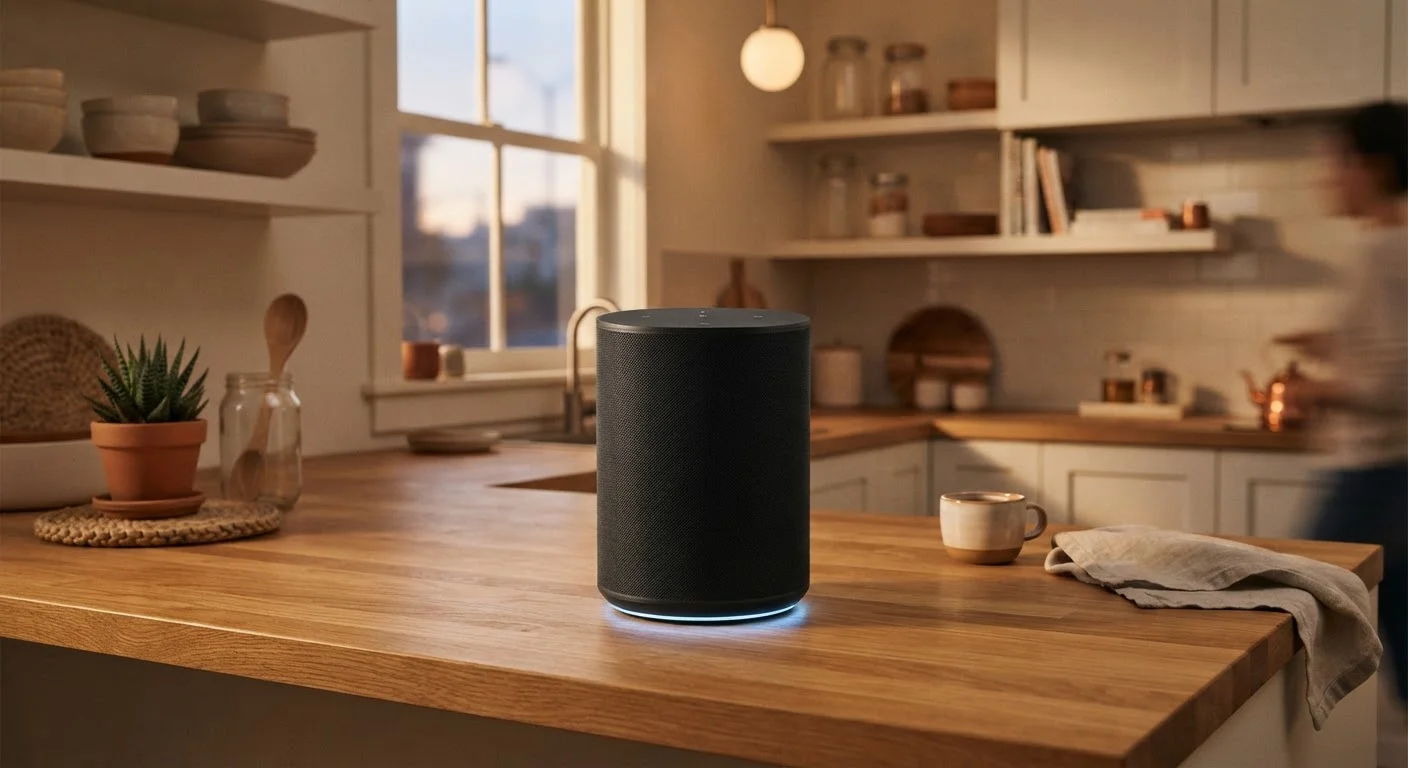
When sounds in the room match the pattern of the wake word closely enough, the speaker signals that it's ready. A light ring activates, a chime plays, and the device shifts into active listening mode. Only at this point does audio begin streaming to the manufacturer's cloud servers.
This two-stage design is intentional. It means the vast majority of conversations happening near your speaker never leave the device. The tradeoff is imperfection: phrases that phonetically resemble the wake word can sometimes trigger the speaker by accident. A character on TV or a similar-sounding word in conversation can cause a false activation, sending a short clip to the cloud unexpectedly.
False Activations: What Actually Gets Recorded
When a false activation occurs, the audio clip - which may contain ambient conversation - is sent to the cloud and processed as if it were a real request. The clip is typically short, beginning just before the suspected wake word. Most platforms flag these in your voice history, where you can review and delete them.
Cloud Processing: Where the Real Work Happens
Once the wake word is detected, your spoken request is compressed and transmitted over your home's Wi-Fi connection to remote servers operated by the device manufacturer. This is where natural language processing (NLP) - the technology that converts spoken words into understood intent - takes place.
Cloud servers are used because NLP is computationally intensive. Recognizing speech accurately across accents, dialects, and background noise, then understanding the meaning of what was said, and then generating a relevant response, requires far more processing power than can fit inside a small speaker on your counter.
~1-3 sec
Typical cloud round-trip response time
General industry benchmarks for cloud-based voice assistant processing, from microphone capture to spoken response.
35%+
U.S. adults who own a smart speaker
According to Pew Research Center surveys tracking smart speaker adoption among American adults.
The server interprets your request, queries whatever data source is needed - a search index, a weather service, your music library, or a smart home platform - and generates a text response. That response is then converted back into audio using text-to-speech technology and streamed back to your speaker, where you hear it played out loud. The entire round trip typically takes one to three seconds.
Because this pipeline depends on a working internet connection, most complex requests simply fail without one. For more on how your devices use wireless connections differently, see our overview of Bluetooth vs. Wi-Fi.
Privacy, Data, and What You Can Do About It
After your request is processed, the audio recording is typically retained by the manufacturer. Companies have stated they use these recordings to improve speech recognition models - essentially training their systems to better understand human voices across diverse speakers and environments. The length of time recordings are kept varies by platform and account settings.
Most smart speaker platforms offer a way to review and delete your stored voice history. This is usually accessible through the companion app on your phone or through the manufacturer's account website. Enabling automatic deletion on a rolling schedule - such as every three or 18 months - is an option on many platforms.
Manage Your Voice History Regularly
Check your smart speaker's companion app for a voice activity or history section. Most platforms let you delete individual recordings or set up automatic deletion. Reviewing this section occasionally also helps you spot any unexpected activations you weren't aware of.
It's also worth knowing that smart speakers are a category of device where the privacy implications go beyond the device itself. When you use one to control other services - a calendar, a shopping list, a music account - those integrations carry their own data practices. Our article on common internet privacy misconceptions covers related ground if you want to think more critically about connected devices in general.
Understanding how your smart speaker actually works doesn't mean you need to distrust it - but it does put you in a better position to configure it in a way that reflects your own comfort level with data sharing.
Frequently Asked Questions
No - smart speakers are designed to record only after detecting the wake word. The device listens locally for that trigger phrase using a low-power chip, but does not continuously stream audio to the cloud. That said, accidental activations do happen, so brief unintended clips can occasionally be recorded and sent to servers.
After your request is processed in the cloud, a recording is typically stored by the manufacturer for a period of time to improve voice recognition. Most platforms let you review and delete these recordings through a companion app or account settings page.
Very limited functionality is available offline. Basic tasks like setting a timer may work locally, but most responses - including web searches, weather, and smart home commands routed through cloud services - require an active internet connection.
Smart speakers connect to your home network using Wi-Fi. They rely on that connection to send your voice request to cloud servers and receive the processed response. See our <a href="/technology/everyday-devices/bluetooth-vs-wi-fi-when-your-devices-use-one-or-the-other">explanation of Wi-Fi vs. Bluetooth</a> for more on how these wireless technologies differ.
Yes - smart speakers can act as a central hub for compatible smart home devices like lights, thermostats, and locks. The speaker sends commands through the cloud to those devices' services. For setup guidance, see our <a href="/technology/everyday-devices/getting-started-with-smart-home-devices">beginner's guide to smart home devices</a>.
Wake-word detection is highly tuned but not perfect. Similar-sounding words or phrases in conversation or from a TV can trigger the device unintentionally. Manufacturers update their wake-word models regularly to reduce false activations.
The content on this site is provided for informational purposes only and should not be considered a substitute for professional advice. While we strive to provide accurate and up-to-date information, we make no guarantees regarding its completeness or accuracy. Always consult a qualified professional for advice specific to your circumstances before making any decisions.